Key events
A key event is what other tools call a conversion. Marking an event as a key event creates no data — it tells reports, conversion rate, alerts and the fraud module which events carry business value.
What marking one changes#
A key event creates no new event and changes nothing about collection. What it does is register the event's name on the property's conversion list — and every report with a notion of "conversion" reads that list.
The list lives under Admin → Property settings → Key events.
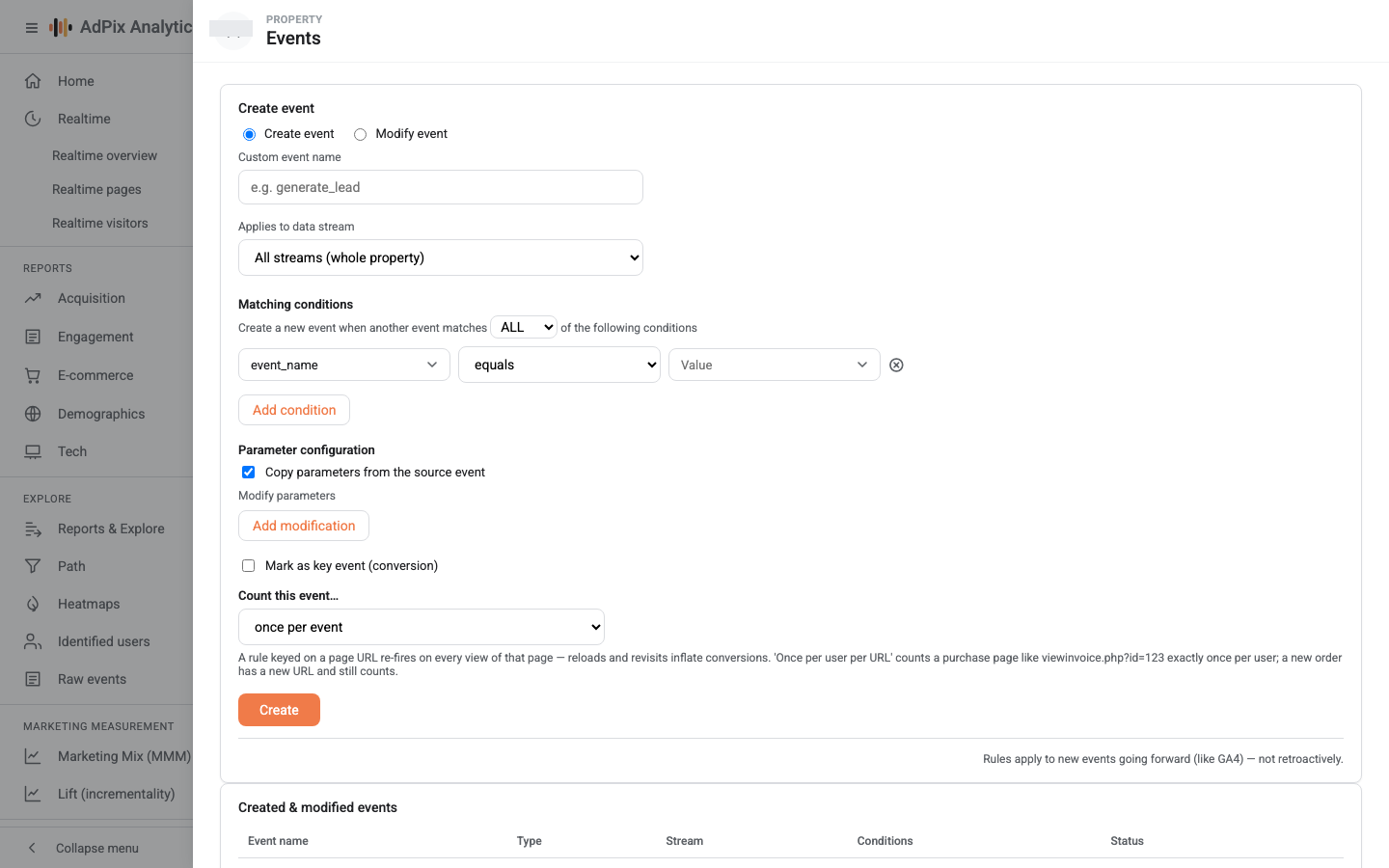
Adding and removing key events requires the marketer role or above. If you are writing a Create-event rule, the Mark as key event (conversion) tick in that form creates precisely this same row.
This one applies to history#
That is its most important difference from event rules, and the one that surprises people.
An event rule runs at collection time, so it only ever affects what comes next. A key event is the reverse: the conversion list is read at the moment you open a report and applied as a filter over the data. So the instant you save, every historical event with that name counts as a conversion — no background job, nothing rewritten.
Removing the mark reverses just as fast: the events stay exactly where they were, they simply stop counting as conversions.
Where you see the effect#
| Surface | What changes |
|---|---|
| Home | the Conv. column per channel = key events divided by that channel's sessions |
| Traffic acquisition | the Key events, Session key event rate and Total revenue columns |
| Engagement | the Key events headline figure, and a KEY badge beside the event name in the table |
| Explore | the Key events and Key event value metrics |
| Funnel | key-event names are added to the list of selectable steps |
| Alerts | the Key events (conversions) metric becomes selectable |
| Fraud Protection | the conversion list feeds the module's precision guardrail |
There is one less obvious effect too: the definition of an engaged session. A session counts as engaged if it has at least 10 seconds of engagement, or two page views, or a key event. So each new key event nudges the engagement rate up as well.
Where the revenue comes from#
The key-event revenue column sums the value parameter from the key events themselves. An event with no value contributes zero.
So if you want a conversion to show revenue, send the amount with the event:
For purchases, the ecommerce command does the same thing and carries the line items as well — E-commerce events.
Counting method and default value are stored on the key-event row and shown in the table, but today's reports count key events on the unique event ID and take revenue only from the event's own value. Neither field changes a reported figure. Fill them in to record your intent, but do not plan a number around them.
The name has to match exactly#
Counting is an exact name match. Purchase and purchase are two different things, and a key event whose name matches nothing simply stays at zero — you get no warning.
Register a name you have seen with your own eyes in the Events report. There is one exception: a page view carries an empty event name and holds its name in the event type, so registering page_view as a key event counts nothing. If loading a particular page is your conversion, first mint an event under your own name with a Create-event rule on that URL, then mark that — the method is in Create and Modify event rules.
The fraud module's guardrail#
This is the furthest-downstream effect of key events, and the most overlooked.
Fraud Protection is tuned for precision above all: a source that genuinely converts has real people behind it and must not be flagged. To decide whether a source converts, the module reads that property's key-event list — plus purchase, which always counts.
The consequence cuts both ways:
- If your conversions have custom names and are not registered as key events, the module cannot see them, and perfectly healthy traffic that merely looks unusual can be flagged by mistake.
- If they are registered, a source converting at that level is exempted from being flagged on model opinion alone.
Converting is not blanket immunity, though: hard structural signals — a fingerprint ring, known bot traffic — still apply to a converting entity and send it to the human review queue rather than to the clean list. The reason is plain: a key event arrives from the browser, and a bot can fire one too. The full logic is in Why was this flagged.
How many key events#
Every name you add to this list simultaneously affects conversion rate, the engaged-session definition and the fraud module's guardrail. Marking high-frequency events — scrolls, outbound clicks, video starts — pushes conversion rate close to 100% and makes any comparison between channels pointless.
A workable rule: mark something a key event if the business loses money or an opportunity on the days it does not happen. A purchase, a sign-up, a consultation request, a trial start. Everything else remains fully available in the Events report and in Explore without being marked.
Frequently asked questions#
Does marking a key event apply to history?
Yes. Unlike event rules, the mark is applied when a report is read, not when data is collected. The moment you save, every earlier event with that name counts as a key event, and removing the mark takes them straight back out.
Can I make `page_view` a key event?
Not in practice. A page view carries an empty event name and holds its name in the event type, while key events are counted on the event-name column. Instead, use a Create-event rule on that URL to mint an event under a name of your own, and mark that.
Where does key-event revenue come from?
From the value parameter on the events themselves, within the selected range. The default value you enter when creating the key event does not stand in for it; an event with no value contributes zero.
How many key events should I have?
Few. Every key event feeds conversion rate, the engaged-session definition and the fraud module's guardrail at once. Marking high-frequency events such as scrolls or clicks pushes conversion rate close to 100% and makes it useless.
Thanks — your feedback helps us improve the docs.