Integrations and CRM modules
One pane that hands an external module everything it needs to connect: the WHMCS addon, a server key for data coming in, and an outbound destination for pushing attribution back into the CRM.
Two directions, not one#
Under Admin, in the Property group, the Integrations & CRM modules pane sits at /admin?sel=integrations. The whole page is organised around two opposite flows, and the rest of it only makes sense once you separate them:
| Direction | What moves | With which credential |
|---|---|---|
| Your CRM → AdPix (inbound) | signups, sign-ins and orders, from your system into AdPix | a server key, prefixed sk_ |
| AdPix → your CRM (outbound) | resolved attribution and business events, from AdPix into your system | a shared secret, prefixed whs_ |
The inbound direction is what gives AdPix reports real revenue. The outbound direction is what tells your CRM which campaign each customer came from. A complete install has both, but either one works on its own.
The three steps the page itself names#
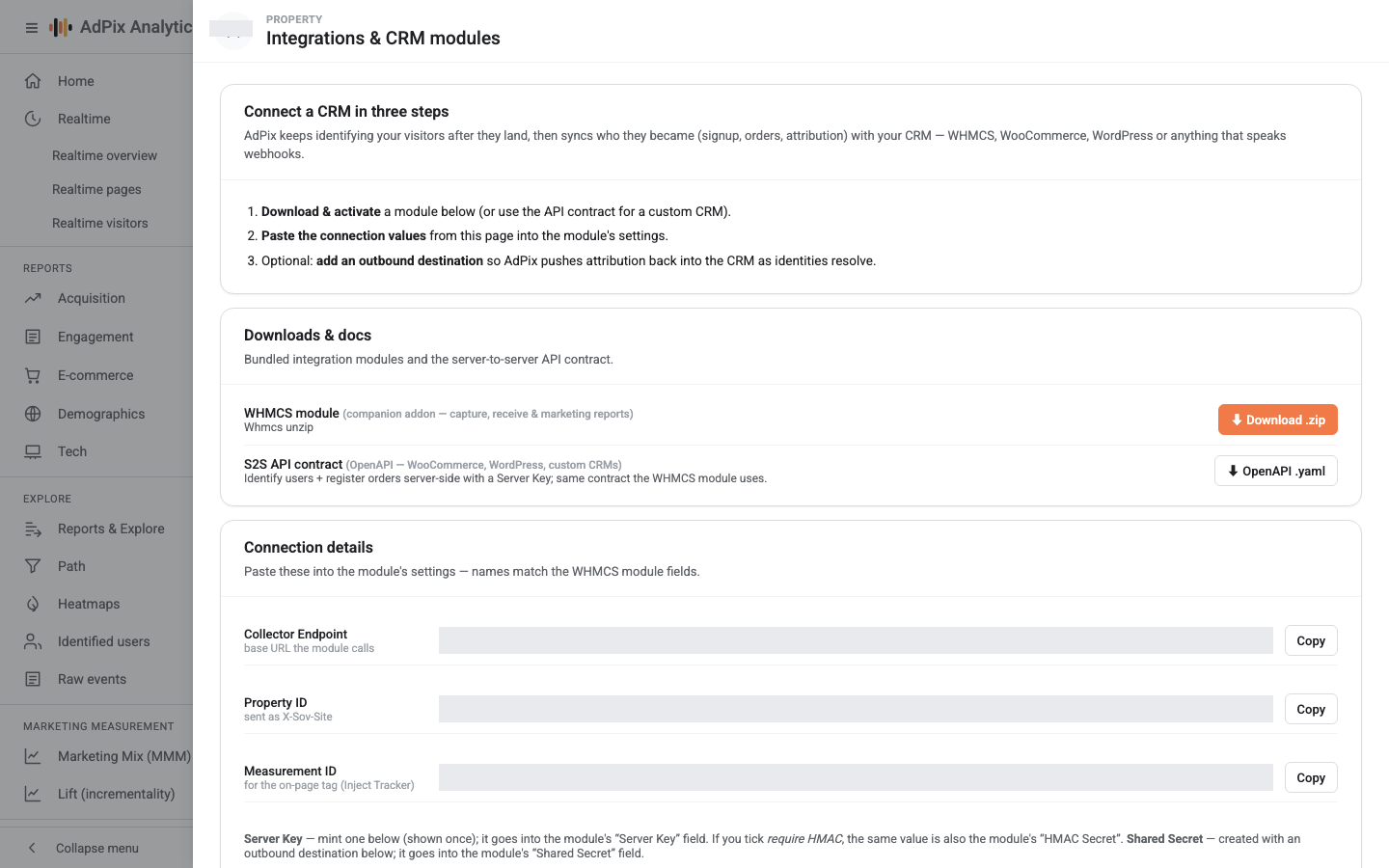
The first card, Connect a CRM in three steps, gives the order of work: download and activate the module, paste this page's connection values into the module's settings, and — optionally — add an outbound destination. The next three sections of the page are exactly those three steps.
Downloads#
The Downloads & docs card offers two things:
- WHMCS module — the companion addon as a
.zip. If the module is not bundled on this server you see "not bundled on this server" instead of a button, and you will need to ask support for it. - S2S API contract — the OpenAPI document. It is all you need for WooCommerce, WordPress or a home-grown CRM; the WHMCS module works against exactly the same contract.
Connection values#
The Connection details card offers three values with a copy button, and their names deliberately match the WHMCS module's fields:
| Value in the console | Module field | What it is |
|---|---|---|
| Collector Endpoint | Collector Endpoint |
the base URL the module calls |
| Property ID | Property ID |
sent in the X-Sov-Site header |
| Measurement ID | Measurement ID |
for the on-page tag only |
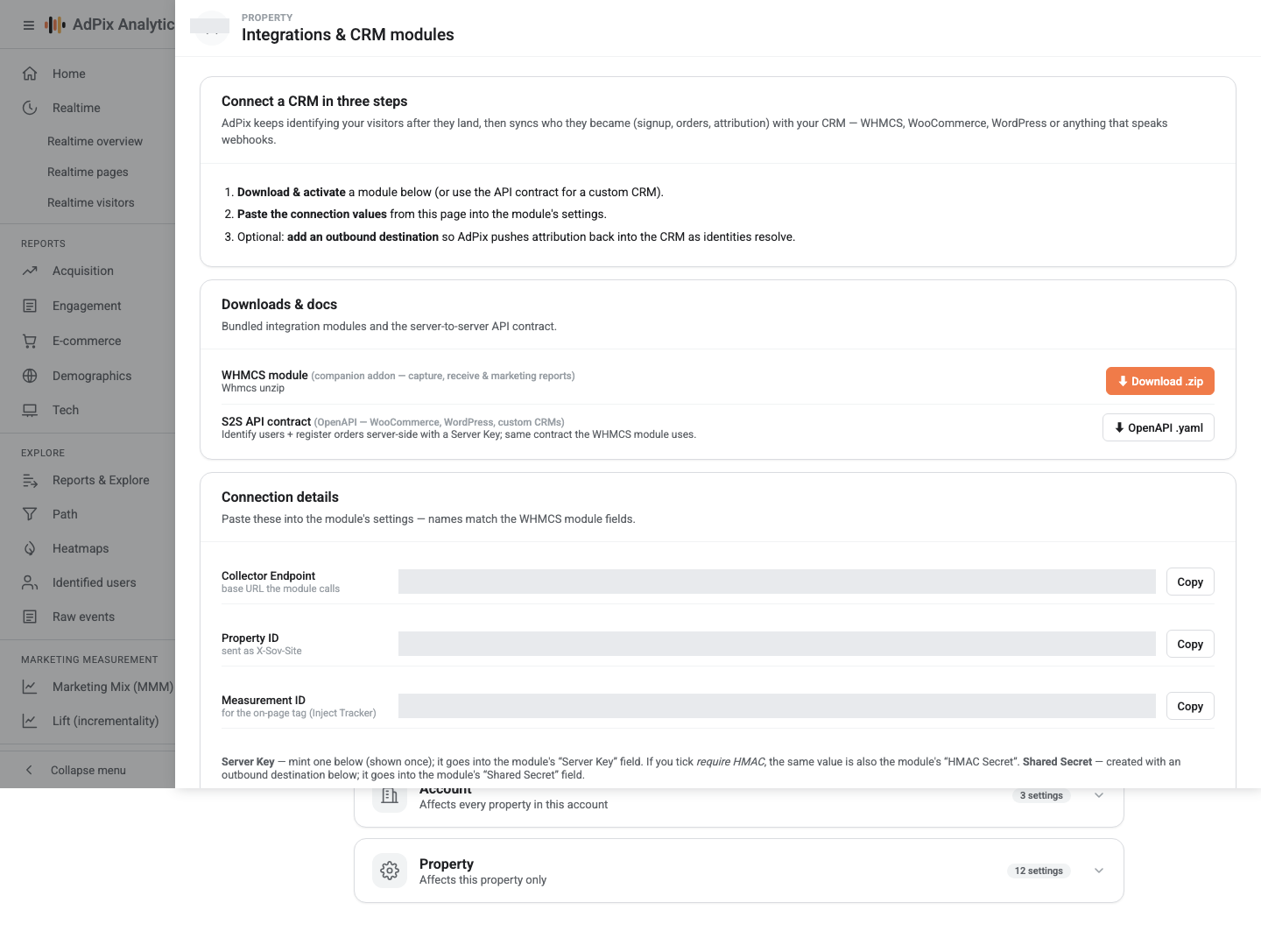
Below that sits the Server keys — e-commerce S2S (identify / orders / attribution) card. A server key is bound to a data stream, and you tick the Scopes it needs when creating it. If you tick require HMAC, the same sk_ value is also the signing key — the WHMCS module wants it in its HMAC Secret field.
Only the key's first eleven characters are retained; the secret itself is stored hashed and cannot be recovered. Lose it and you create a new key and Revoke the old one. Both creation and revocation are recorded in the audit log.
A data stream's write key — the one that appears in the tag snippet — is not a server key, and the server-to-server API does not accept it. The scopes, headers and error codes are covered in full in Server-side tracking.
The WHMCS addon#
The addon is bidirectional: it sends events to AdPix, and it receives attribution back from AdPix and keeps it next to the client record.
.zip into <whmcs>/modules/addons/.Setup → Addon Modules and activate "AdPix Analytics". The addon's local tables are created there, and re-activating is safe.Collector Endpoint, Property ID and Server Key from this console page. If the server key requires HMAC, put the same value in HMAC Secret too.Enable Capture — it is the master switch for every hook and is off by default.Default Calling Code (98 for Iran) so a 09… number is normalised to the same international form the on-page tag produces. Without it, one person's web journey and billing record never join up.With Enable Capture on, the addon sends these moments:
| What happens in WHMCS | What reaches AdPix |
|---|---|
| A new client is added | an identify — the signup attaches to that person's anonymous journey |
| A client signs in | another identify, to attach newly seen devices |
| An order is paid | a purchase, marked new or repeat |
| A renewal invoice is paid | a purchase, marked renewal — this is what builds lifetime value |
| An invoice is refunded or cancelled | an update on the same order; the attribution snapshot stays frozen |
The hooks read the first-party __sov_aid, __sov_ft and __sov_lt cookies to connect the order to the anonymous visit that happened before signup. For those cookies to exist on the billing domain, either you installed the tag there yourself or you turn on Inject Tracker. Never both — tagging twice means counting twice.
Inject Tracker builds the tag snippet from Collector Endpoint. On a deployment where the event-collection host is separate from the host that serves the tag file, that address does not serve t.js and the script 404s. Put the CDN address in Tracker (CDN) URL. Leaving it blank is correct only on a single-host deployment.
No hook can throw into the WHMCS request path. If AdPix is unreachable, your customer's signup or payment completes without a flicker; only the measurement of that moment is lost.
Reports inside WHMCS itself#
The addon adds a report page with Overview, Channels, Source / Campaign, First vs Last, New vs Returning, Cohorts, Clients, Unattributed and ROAS tabs. Revenue truth in those reports is WHMCS's own billing, joined to the local attribution by client ID — not a copy of AdPix's numbers. An AdPix summary card also sits on each client's admin record, showing the channel, source and campaign that acquired them.
Why one order is not counted twice#
An order can reach the CRM by two paths: once from the addon's hook, once from the worker's outbound delivery. Three guards keep it at one:
- The gate on the AdPix side. An event created by a URL-keyed event rule reaches CRM destinations only if it carries a transaction or order ID, or a positive value. Without that, every view of a "payment successful" page would register as an order in your CRM. Analytics reports are unaffected by the gate; their row was already written.
- The idempotency key on the receiving side. The addon's receiver extracts the order ID and invoice ID from the event's properties, and when an order ID is present it uses that as the idempotency key. The outbound delivery of the same order therefore lands on the row the local hook already created, instead of beside it.
- How the panel counts. The client card counts distinct orders, not purchase rows.
The three guards work from deployment forward; they do not clean up old rows. For the historical cleanup, the addon update deletes identity-less, zero-value purchase rows once. Get the full sequence from support, and take a backup before any cleanup.
Any other CRM: the generic webhook#
Without WHMCS, the Generic webhook (any CRM / CMS) destination is the same contract without an addon. Fill in the Outbound delivery — AdPix → CRM card:
Your receiver gets a POST with a JSON body, and the shared secret arrives in the X-Sovereign-Secret header. What is sent is only user identifies and business events — page views and engagement events never go to a destination. The full body shape, HMAC signing and retry rules are in Webhooks and HMAC signing.
The Configured destinations table at the bottom lists each destination with its Target and a Status switch. To pause one, switch it off — deleting a destination also clears its pending deliveries.
Rotate secret generates a new shared secret and shows it once. The old one stops working immediately, so until you paste the new value into the receiver, deliveries are refused with an authentication error and sit in the retry queue.
Access required#
Viewing this pane needs report-read access, and server keys appear in the list by prefix only. Creating or deleting a destination, creating or revoking a key, and rotating a secret all require the edit-property-settings capability and are recorded in the audit log.
Frequently asked questions#
What is the difference between a server key and a shared secret?
Direction. A server key, prefixed sk_, is for data coming into AdPix — the module sends events with it. A shared secret, prefixed whs_, is for data leaving AdPix — the worker identifies itself to your receiver with it. Both are shown once and are not interchangeable.
Why did the WHMCS panel show more orders than really happened?
Because every view of the payment-success page created a purchase row. There are now two guards: an event created by an event rule only reaches the CRM with a transaction identity or a positive value, and the addon's receiver uses the order ID as its idempotency key. The panel also counts distinct orders rather than rows.
Can I use a CRM other than WHMCS without the addon?
Yes. The Generic webhook (any CRM / CMS) destination sends the same body the WHMCS receiver gets, and for data coming in the server-to-server contract is the one the WHMCS module itself uses. WordPress, WooCommerce or a home-grown CRM connect through the same two paths.
I lost the shared secret. Can I see it again?
No. Only a redacted hint is kept. Select Rotate secret on that destination's row to generate a new one, shown once, then replace it in the module. Until the module is updated, deliveries are refused with an authentication error.
Thanks — your feedback helps us improve the docs.